PST to TXT File Conversion – Possible In Simple Clicks!
The need for PST to TXT conversion is owing to the advantages of text file. Basically, a text file is used to store data in alphanumeric form that is free from visual formatting. Any type of content, be it an article, magazine data, any note etc can be saved in a text file. There are multiple advantages of a text file that compel users to convert PST file to TXT format.
Below mentioned are some of the strong reasons that enforce users to convert mail data from MS Outlook PST to TXT format:
- Any file in text format gives the benefit of saving raw data in it. Free from formatting of text data and unusual characters, the TXT file proves useful when only the text in the file holds importance.
- Another reason why a user might need to convert Outlook PST to text TXT file is no need for specific application to open and read the data. Simple word processer in the systems like notepad, WordPad, MS Word helps to read TXT file.
- Because of its support to different word processors, TXT file can be easily shared on diverse platforms with very basic software application requirement in system.
- Another advantage of PST to text conversion gives small size of file. PST to TXT file conversion makes the file size difference of megabytes or kilobytes.
Software to Convert PST File to TXT Format
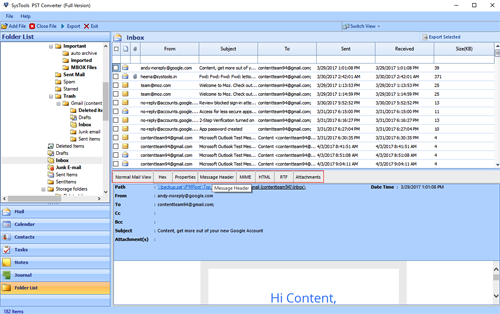
For flawless conversion of Outlook emails from PST to TXT format, we render our versatile services in the form of Outlook Conversion tool. The reason why we call our solution multifarious is because it can convert PST to EML, MSG, HTML, MHT, HTML, RTF, TXT and VCF file format. The software to convert Outlook PST to text file format retains originality of emails and contacts and can be availed at a reasonable price.